
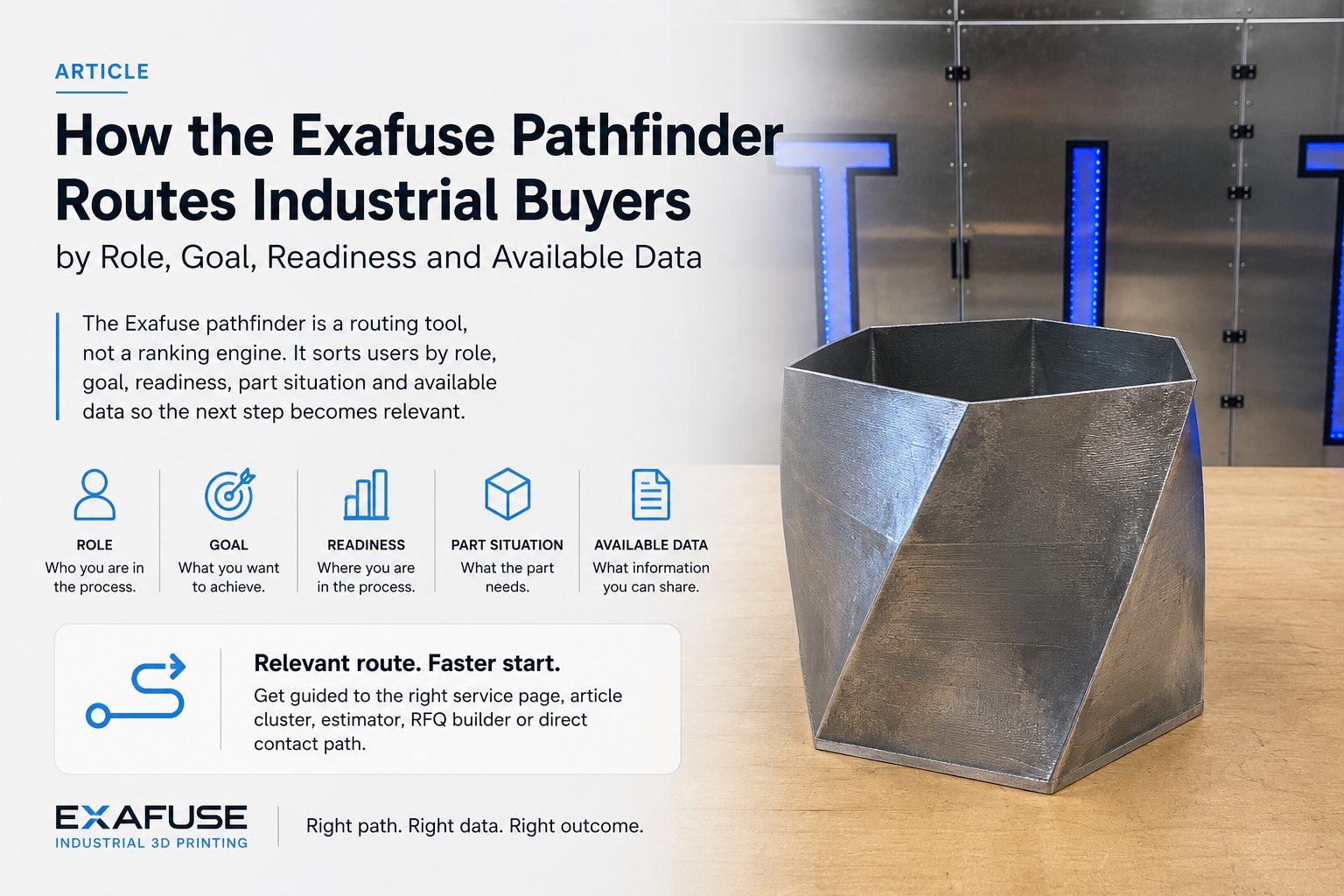
The Exafuse pathfinder exists because many industrial users know their problem before they know the right page. They may know the part is worn, urgent, surface-critical or procurement-sensitive, but they do not yet know whether to start with repair, cladding, process selection, early cost estimateing or a direct request.
The short answer
The pathfinder routes by five variables: role, project goal, readiness stage, part situation and available data. It is meant to reduce random clicking and move the user into the next practical step with the right engineering context still attached.
What the pathfinder screens
- Role such as maintenance, procurement, OEM development, R&D or quality.
- Goal such as repair, cladding, manufacturing, material selection, quality validation or company/contact questions.
- Readiness from early learning to urgent review.
- Part situation such as local damage, large component, compact geometry, surface problem or documentation-heavy job.
- Available data such as CAD, photos, dimensions, material data or acceptance criteria.
How the route changes
The same company may need a different route depending on the task. A maintenance engineer with damage photos and downtime pressure should not start on the same page as an OEM engineer comparing LMD and SLM for a new part. The pathfinder keeps those first steps separate.
Example routing outcomes
- A maintenance user with local damage and photos is usually moved toward repair, ROI and intake guidance.
- A procurement user preparing an RFQ is usually moved toward documentation, estimator logic and the RFQ builder.
- An OEM user with a new part and CAD is usually moved toward Metal AM, process comparison and material selection.
- A quality-focused user is usually moved toward inspection, validation and documentation pages before a quote discussion.
What the pathfinder does not do
It does not decide final feasibility, quote accuracy or process qualification. It is a triage layer that helps a buyer ask the next useful question.
Why the routing logic is also readable
Interactive routing helps users in the tool, while a readable explanation helps buyers, search systems and AI agents understand the decision logic. The same route logic is therefore available as public guidance as well as an interactive screen.
Useful next pages
Use the Pathfinder, LMD or SLM decider, Estimator, RFQ builder and A39: Industrial LMD guide together when the route is still open.